
Remove Image Backgrounds in your browser
Upload an image. The first run downloads the model in your browser, then you can export a transparent PNG. Results vary for hair, glass, and low contrast.
Try It Now
Upload an image to remove its background in your browser
Drag & drop your image here
or click to browse from your device
Try with an example:
See Real Before/After Examples
Clean, transparent results for products, people, and marketing visuals.
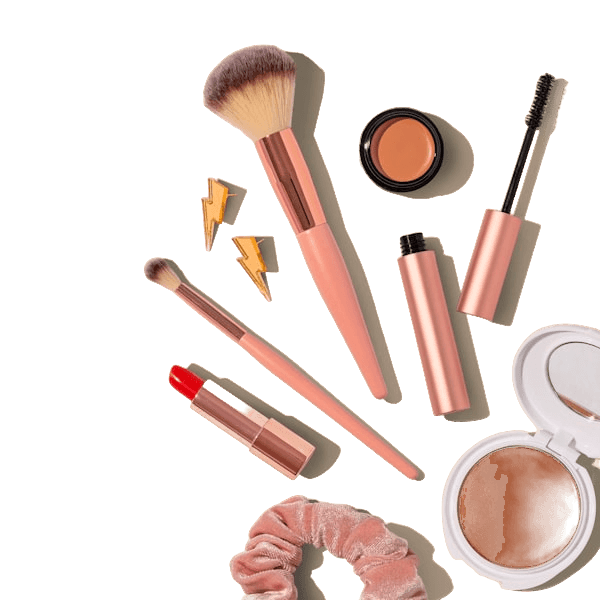
E-commerce Product
Before

After
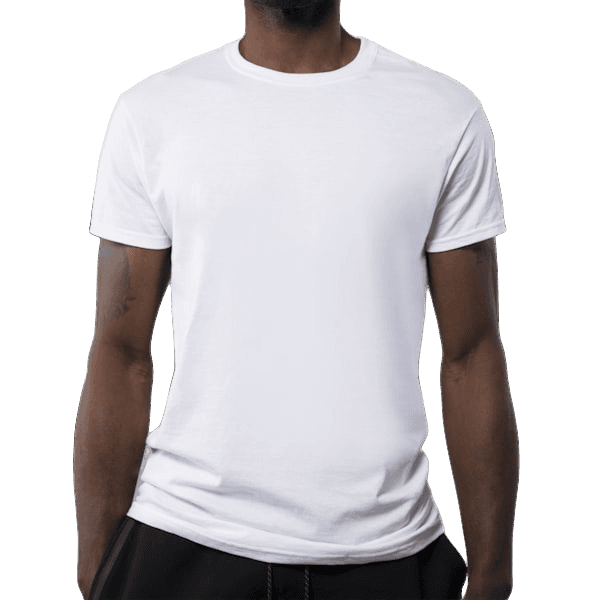
Profile Picture
Before

After

Marketplace Listing
Before

After
Learn and improve your results
Practical guides linked to the tool so users can convert faster.
How to remove image backgrounds
Step-by-step guide for cleaner cutouts and transparent PNG exports.
E-commerce product photo guide
Improve listings with consistent product images and clean backgrounds.
How AI background removal works
Understand the model and how to get better quality in edge cases.
Remove background from logo
Transparent logo exports for websites and brand assets.
Remove white background
Clean up white studio backdrops quickly for reuse.
Product photo background remover
E-commerce ready product visuals with consistent style.
Private by Design
Your images are processed locally in your browser.
Fast Results
Most images are ready in seconds after model load.
No Design Skills Needed
Upload, remove background, download transparent PNG.
How It Works
Three simple steps to a clean, professional result
Upload Image
Drag and drop or click to upload any PNG, JPG, or WEBP image.
Remove Background
The model separates the subject from the background after it has loaded. The first run includes that download.
Download Result
Get your clean, transparent PNG ready for any project or platform.
Perfect For Every Use Case
From product photos to professional headshots, one tool does it all
E-Commerce Products
Clean product images on white or transparent backgrounds for your online store.
Profile Pictures
Professional headshots with clean backgrounds for LinkedIn, resumes, and social media.
Marketing Creatives
Create stunning ads, banners, and social media graphics without a designer.
Presentations
Transparent images that blend seamlessly into any slide design or deck.
Marketplace Listings
Stand out on Etsy, eBay, Amazon and other marketplaces with clean product shots.
Guides from the blog
Practical articles on cutouts, product photos, and honest tool comparisons.
How to Remove Background from Any Image Online Free
Step-by-step guide to removing an image background in the browser. No software installation needed.
Read guide →E-Commerce Product Photography: Clean Background Guide
Learn how to create professional product photos with clean backgrounds for Amazon, Shopify, Etsy, and other online marketplaces.
Read guide →How to judge background removal quality
A way to compare cutouts yourself. This site has not published a measured score.
Read guide →How to Photograph Products So They Cut Out Cleanly
Most cutout problems are created at the moment of capture, not in the software. A practical shooting checklist for backgrounds, lighting, focus, and the product types that need special handling.
Read guide →How to Remove Backgrounds from Jewelry Photos (E-commerce Guide)
A browser workflow for checking jewelry cutouts, preserving thin details, and exporting transparent or solid-background images.
Read guide →How to Create Transparent PNG Images for Any Project
Complete guide to creating and using transparent PNG images for design, web, presentations, and print projects.
Read guide →Why Choose Us
Built for speed, simplicity, and quality
Fast Processing
Processing usually takes a few seconds after the model loads.
Simple Workflow
No complex tools or learning curve. Just upload, process, and download.
Clean Results
Clean transparent PNGs. Works best with clear subjects and contrasting backgrounds. Results may vary for hair, glass, reflections, and low-contrast images.
Secure & Private
Images are processed locally in your browser - nothing is uploaded to any server.
Frequently Asked Questions
Everything you need to know
Ready to Remove Backgrounds?
Start for free. No account needed. Upload your first image now.