
How to judge background removal quality
A way to compare cutouts yourself. This site has not published a measured score.
By Ahmet C. Toplutaş · Last updated October 10, 2026 · Editorial standards
This page does not publish a measured score. No sample set has been released, so earlier charts were removed.
Most background-remover roundups show polished demo photos. This page suggests checks you can make yourself. It is not a published test of nobackground against other products.
Suggested things to look at
The homepage gallery shows example cutouts, not a scored trial. Look at edges yourself at a large zoom. Hair, glass, and low contrast are the cases most likely to fail.
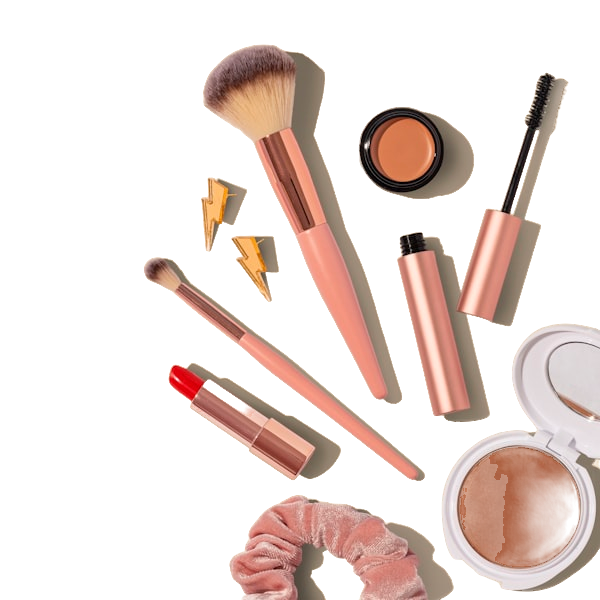
Figure 1 - Homepage gallery example, not a scored test. Look at the edge and the label corners.

Figure 2 - Homepage gallery example, not a scored test. Look at hair and glasses separately.
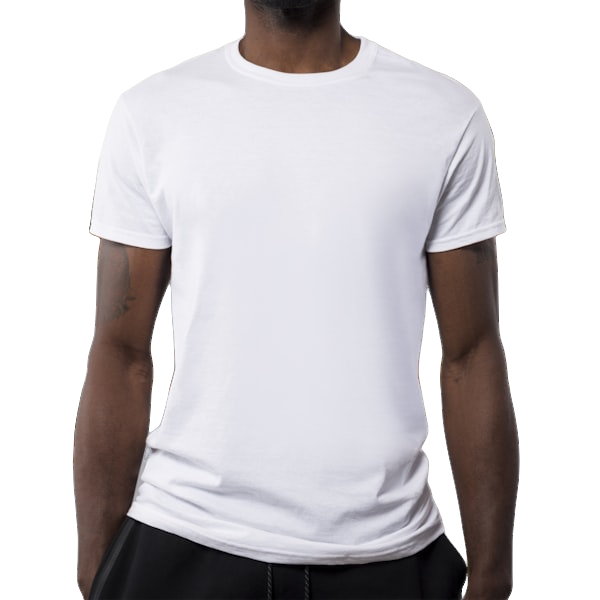
Figure 3 - Homepage gallery example, not a scored test. A white listing background is a separate export step.
Suggested example categories
- Straight-on portrait with loose hair
- Curly hair against a mid-tone wall
- Matte packaging box, three-quarter angle
- Glossy bottle with room reflections
- Soft-goods item with fringe or pom-pom
- Ring or necklace with thin metal
- Mug or bag with an interior hole (handle)
- White product on near-white table (low contrast)
- Dark product on dark backdrop
- Slightly soft phone JPEG from a warehouse aisle
If a tool only looks acceptable on the easy items in your own set, it may not fit the harder ones. That is your judgment, not a score from this site.
A rubric you can use
- Boundary: Does the edge follow the true silhouette within a few pixels?
- Holes: Are interior openings (handles, rings) correctly empty?
- Leakage: Is leftover background tinting the edge?
- Usability: Would you ship this at 800px listing width with under two minutes of cleanup?
Sum the scores. Anything under a pre-agreed threshold gets a re-shoot note, not endless reprocessing of the same file.
Browser-local vs cloud upload
Cloud tools can run larger models and offer APIs. They also move pixels off-device. Browser-local tools (like nobackground) keep processing on the laptop tab, warm a model cache for sequential batch days, and avoid credit invoices. Neither architecture invents contrast that was never captured.
How you can compare tools yourself
Use the same files, the same zoom, and write your acceptance bar before you look at prices. The homepage tool can process up to eight images, one at a time, in the browser. This site has not published the result of that comparison.
What this site optimizes for
nobackground optimizes for private, account-free PNG masters with on-device AI. It does not pretend to be a full photo studio, a mobile template pack, or a metered API. Use this rubric to decide whether that scope matches your job - and keep the transparent masters when it does.
Worked example: scoring a glossy bottle
Photograph the bottle under two soft lights. Run removal. On a black canvas, look for white speckles along the highlight edge - that is leakage. On a white canvas, look for dark crumbs along the label - that is over-cut. Score boundary and leakage separately so a pretty label does not hide a chewed silhouette.
If reflections contain other products from the table, either retake with a cleaner surround or accept that no consumer model will invent a studio reflection. Honesty in the scorecard beats wishing the tool were magic.
Sampling rates for real teams
For a small catalog, check every image at the size you will publish. Do not automate a large batch until you have your own checked sample. This site does not publish a pass/fail score.
Publishing this rubric
The checks above are for your own files. This site does not have published scores for you to disagree with.
Linking the rubric back to the product
After you score your ten files, try the same set on the homepage tool with a warm model cache. Note first-image latency versus the fifth image - that gap is why sequential catalog days feel faster after warm-up. If local results clear your bar, store PNG masters and finish channel-specific backgrounds downstream.
If local results miss on glass or extreme low contrast, escalate those SKUs to a desktop session instead of declaring the whole architecture useless. Hybrid teams ship more catalogs than purists.
Share this rubric with freelancers so “done” means the same thing in Istanbul, Berlin, and remote Slack threads. Ambiguous handoffs create duplicate masks and silent quality drift.
Recording results so the team learns
Keep a simple spreadsheet: filename, tool, four rubric scores, ship/no-ship, and a one-line note. After twenty SKUs you will see patterns - maybe every low-contrast white-on-white fails, which is a studio fix, not a software switch. Patterns beat anecdotes in vendor meetings.
Attach two crops (original edge vs cutout edge) for any no-ship decision. Future you will not remember why SKU-184 failed in March. Visual evidence keeps freelancers aligned without a live call.
Finally, revisit the spreadsheet when you change cameras or packaging. A rubric that never updates becomes folklore. Treat it like a living QA SOP next to your brand kit.
Use the rubric before every vendor renewal or tool switch. A two-hour scorecard is cheaper than a six-month migration that only looked good on stock demos.
When scores are close between two tools, prefer the one whose privacy and pricing match your worst week - not your demo week.
Ready to try it yourself?
Remove backgrounds from your images for free - no sign-up needed.
Try nobackground Free